It has been over year since I last posted about AI, or anything else for that matter. In fact I’ve been chatting more with AI chatbots than with a blog for sure, and that leaves me with mixed feelings. After a year of use, I’ve actually developed some opinions on how this stuff works at a very fundamental level.
Every day AI:
Basically I use one or more chatbots pretty much every single day. Essentially, I use them as a front end to the web. In the past I would have done a Google search for something and ended up with links to individual web sites. An AI chatbot will search multiple sites, and synthesize the results in a conversational manner. This is great for things that I don’t remember, or one-off things that I don’t care to remember, such as command-line syntax for batch files, or obscure definitions or historical events. A chatbot is wonderful if you want to find out something about an historical figure, and yes, of course, it probably uses Wikipedia as one of the sources.
Here’s a selection of random queries from Claud.Ai for the past month:
- Find Active Directory Groups that have “RDP” in their name
- Availability of Claude AI app for the MacOS?
- Checking SQL Server Database Read-Only Permissions with Powershell
- How to release the coin battery connector for Lenovo T15 laptop
- Find a source for parts for an HP404 laser printer
- Remove Bluetooth devices in Windows 10
Apart from the work-related queries, an AI chatbot is helpful for other aspects of life:
- Understanding Car Dealer Documentation Fees
- Find Procreate brushes for mimicking woodcut prints
- Used Car Financing Requirements
- Understanding good credit ratings.
- Troubleshooting Tire Rotation Noise.
- Reversing Age-Related Muscle Loss with Resistance Training
- Optimal Car Oil Change Frequency
- Detering Skunks around the House
- Overview of German Expressionist Art and Artists
- Understanding the Cyrillic Alphabet
My current chatbot of choice is Claude.Ai. I like that it replies almost immediately after I submit a query, and it seems to be fairly accurate. When I run out of free queries for the day I switch to Microsoft Co-pilot which is a front end for ChatGPT. Sometimes I will go to ChatGPT directly.
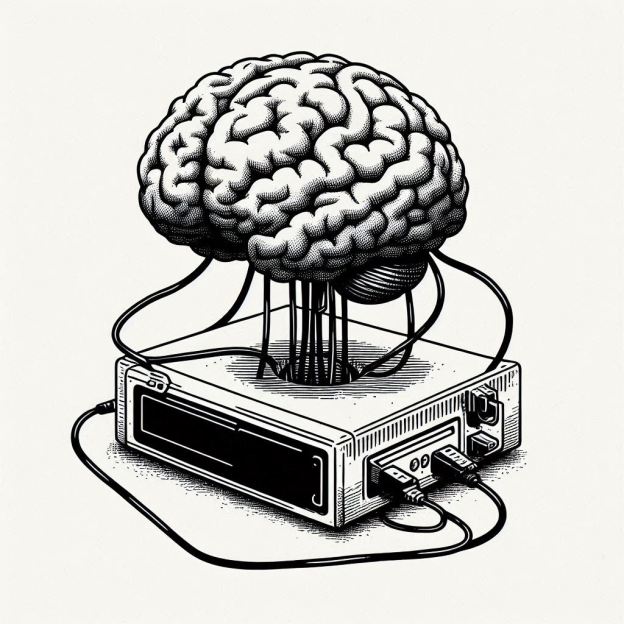
When I said I had mixed feelings about using chatbots, I am wondering if, in the process of outsourcing my brain, I’m actually reducing brain activity to the extent that I’m losing search and reasoning capability that would otherwise remain, much in the way that its been suggested that navigation and mapping applications have destroyed peoples’ ability to follow a paper map. Still I wonder if might be especially useful for picking up the slack that inevitably accompanies growing older.
And what of non-profits? Why not ask Claude? So I did and got the following suggestions:
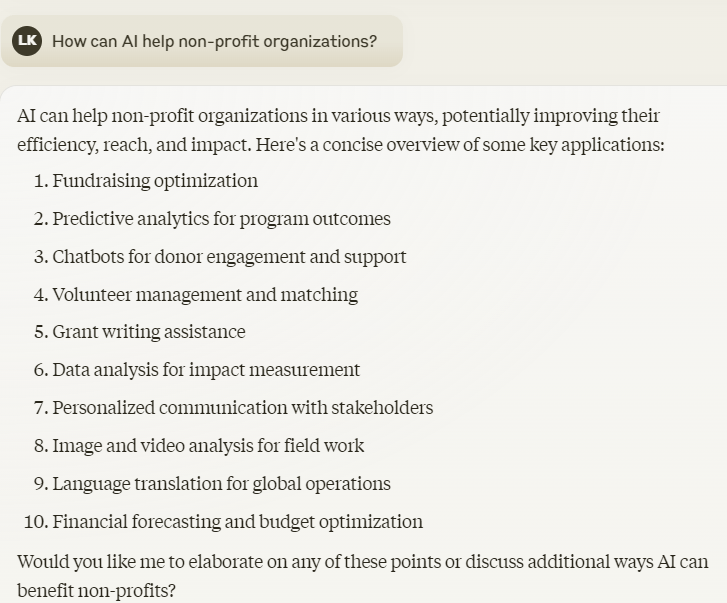
Notice how Claude concluded with a helpful question whether I needed further elaboration. But then ….



 FileMaker portals display the related records for each master record but a portal almost by definition shows only a specific number of transactions at a time in a scrollable window. For a printed report, where we want to see all of the related records, we need to define the report without the portal. This is done using FileMaker’s “sub summary” band when creating the report layout. The trick is to start defining the report using the transaction table as the basis of the report displaying the fields in the body band and referencing the master table in the sub summary band. When setting this up, it looks something like this:


 tfnp
tfnp 